Your website should support your business.
It should help visitors:
- understand what you offer
- trust your business
- feel confident reaching out
- and take the next step easily
But sometimes a website quietly starts doing the opposite.
Not because the business is bad.
Not because the owner isn’t trying.
Often, it’s simply because the website hasn’t evolved alongside the business.
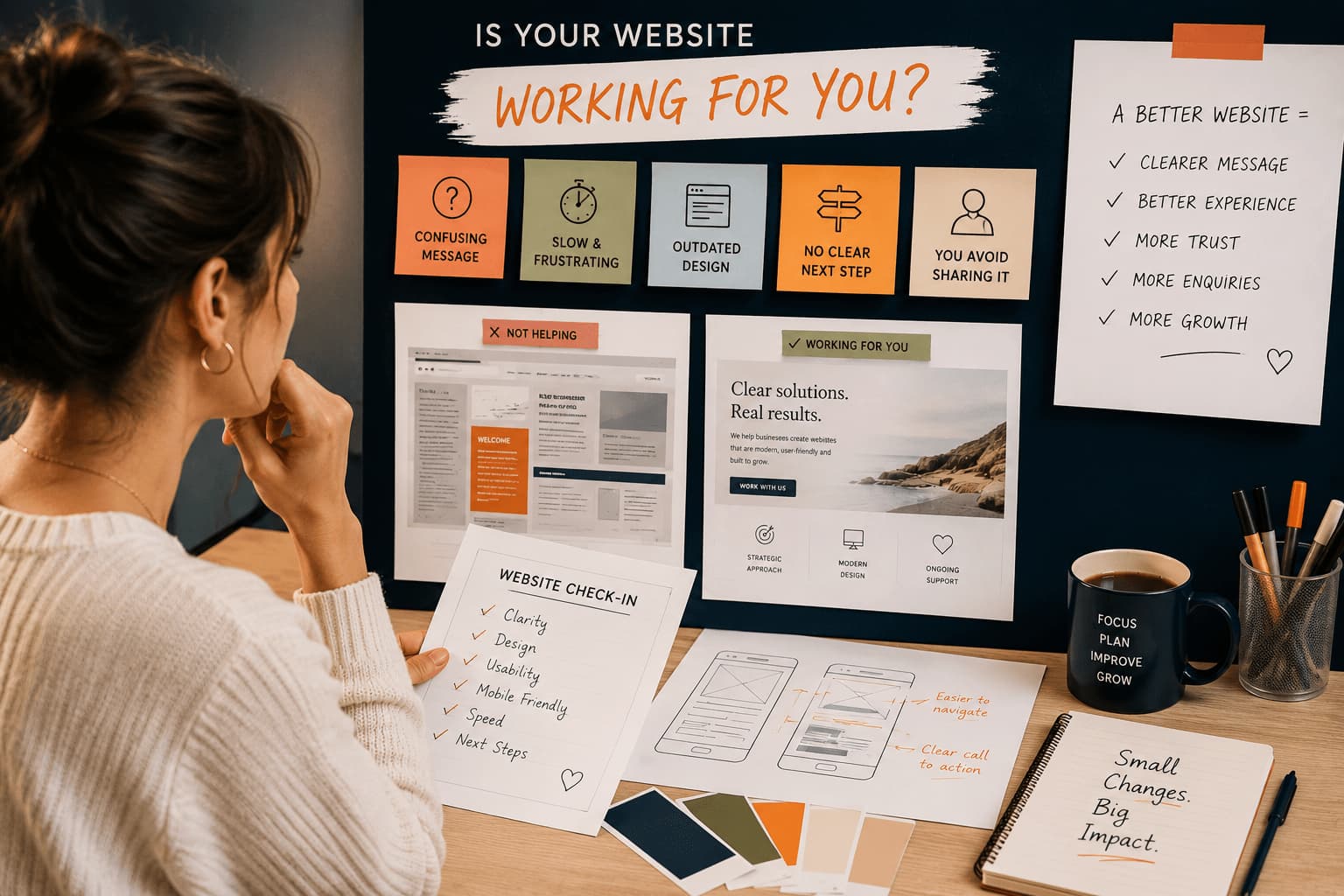
Here are five common signs your website may actually be working against you — and what you can do to improve it.
1. Visitors Seem Confused About What You Do
One of the biggest website problems is unclear messaging.
If visitors land on your homepage and can’t quickly figure out:
- what you offer
- who it’s for
- or how you help
…they often leave before exploring further.
This usually happens when websites:
- use too much jargon
- try to say everything at once
- focus more on the business owner than the visitor
- or bury important information too far down the page
A Few Ways to Improve This
- simplify your homepage messaging
- clearly explain your services
- use straightforward headings
- focus on visitor questions and concerns
- make your main call-to-action obvious
A website should feel easy to understand within seconds.
2. Your Website Feels Slow or Frustrating to Use
People have very little patience for slow websites.
If pages take too long to load, visitors may leave before they even see your content.
Slow or frustrating websites are often caused by:
- oversized images
- too many plugins
- bloated page builders
- outdated software
- cluttered layouts
- excessive animations
Even small frustrations can affect how trustworthy a business feels online.
A Few Ways to Improve This
- compress oversized images
- remove unused plugins
- simplify heavy page layouts
- reduce unnecessary animations
- update outdated tools and themes
A smoother website experience helps visitors stay engaged longer.
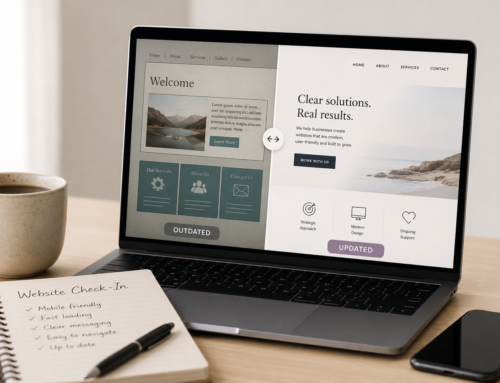
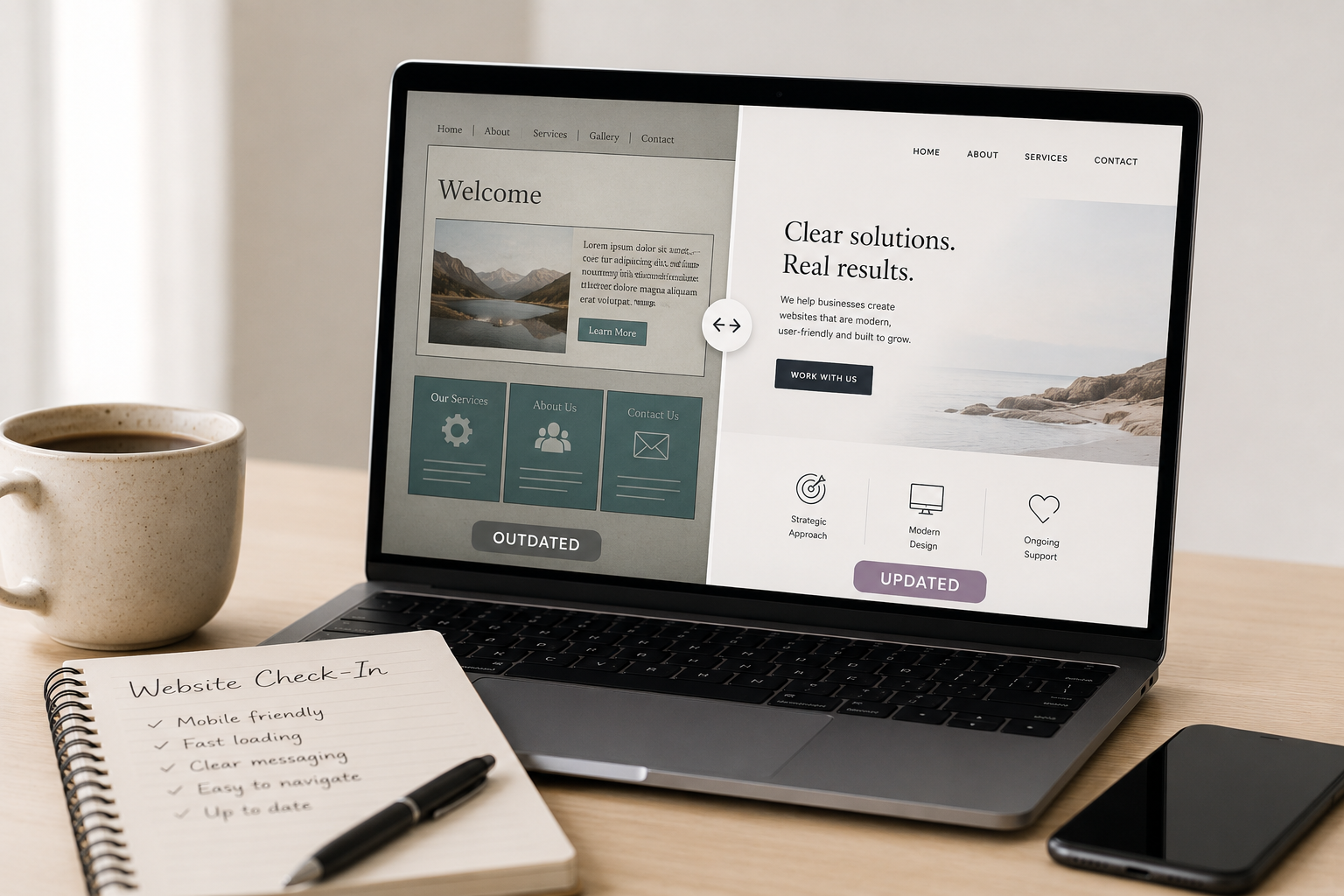
3. Your Website Looks Outdated Compared to Your Business
Many business owners grow significantly over time — but their website still reflects an earlier stage of the business.
Sometimes the work is excellent, but the website:
- looks cluttered
- feels visually dated
- has inconsistent branding
- uses old photos
- or no longer reflects the quality of the business
This can quietly affect trust.
A Few Ways to Improve This
- refresh outdated visuals
- simplify layouts
- improve spacing and readability
- update branding and messaging
- modernize key pages gradually
A website doesn’t need to be trendy.
It simply needs to feel clear, current, and aligned with your business.
4. Visitors Don’t Know What to Do Next
A website should guide people naturally.
If visitors have to search for:
- contact information
- booking links
- service details
- or the next step
…many won’t take action.
This is especially common on DIY websites where too much information competes for attention.
A Few Ways to Improve This
- simplify navigation
- use clearer buttons and calls-to-action
- guide visitors toward one next step per page
- make contact options easy to find
- reduce distractions and competing sections
Clear direction creates a better user experience.
5. You Avoid Sending People to Your Website
This is often the strongest sign of all.
Many business owners quietly stop sharing their website because:
- it feels outdated
- it no longer reflects the business well
- it feels difficult to navigate
- or they know it needs work
If you hesitate before sharing your website link, your website may no longer be supporting your business the way it should.
A Few Ways to Improve This
- focus on improving key pages first
- simplify instead of overcomplicating
- refresh your homepage messaging
- improve clarity before aesthetics
- start with manageable updates
You do not need a perfect website.
You need a website that supports your business clearly and confidently.
A Website Should Support Your Growth — Not Hold It Back
Website problems are extremely common, especially for small businesses managing everything themselves.
The good news is that many website issues can be improved without starting over completely.
Sometimes a few thoughtful updates can make a website:
- easier to navigate
- faster
- more professional
- more trustworthy
- and easier to manage
Need Help Figuring Out What’s Holding Your Website Back?
Sometimes it’s difficult to know:
- what’s actually affecting your website
- what improvements matter most
- or where to begin
That’s where I can help.
Through a Website Check-In or Website Updates & Fixes support, I can help you:
- identify what may be hurting your website
- improve clarity and usability
- simplify your setup
- improve performance and mobile friendliness
- and recommend practical next steps based on your goals and budget
Sometimes a few strategic improvements can completely change how a website feels — both for you and for your visitors.