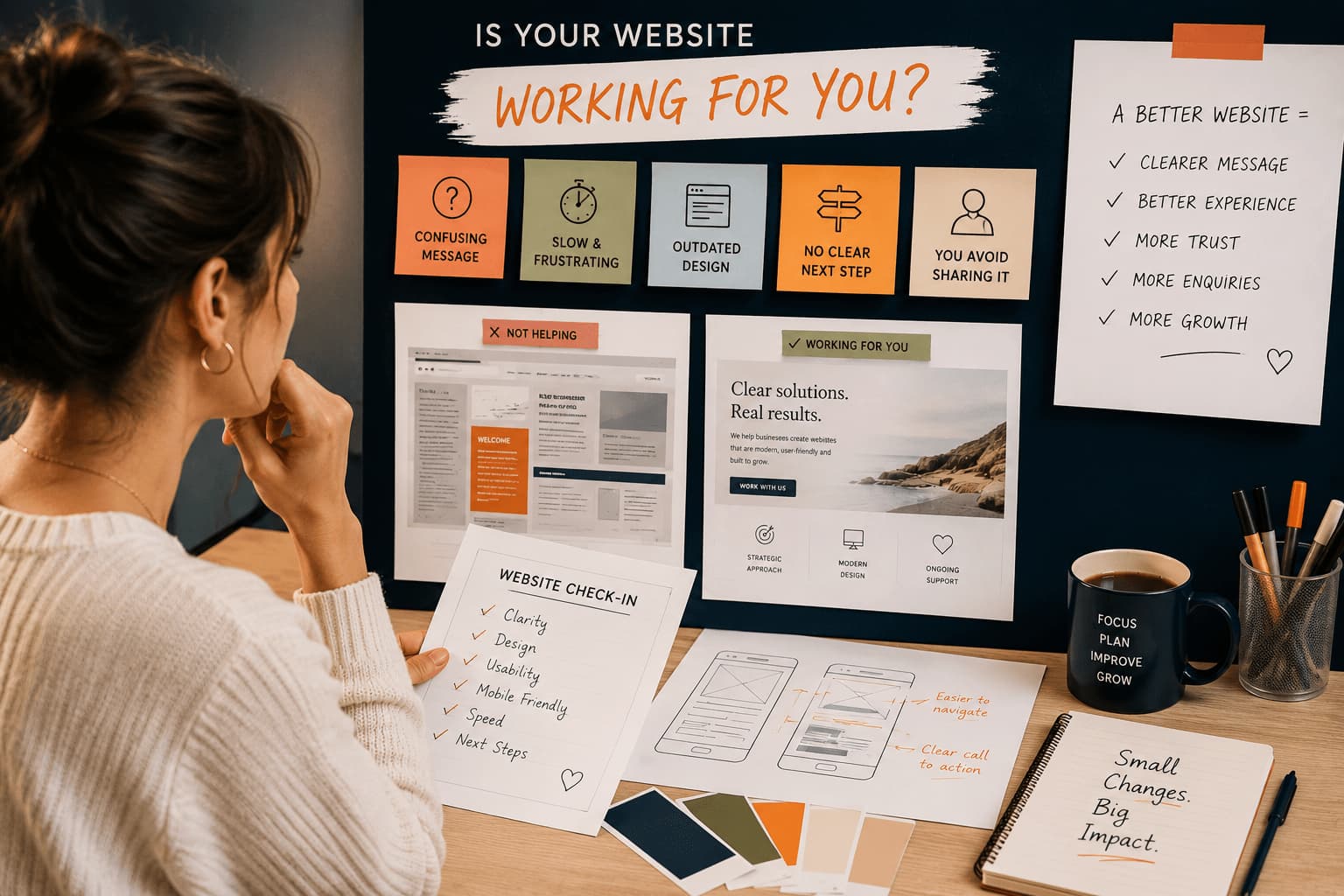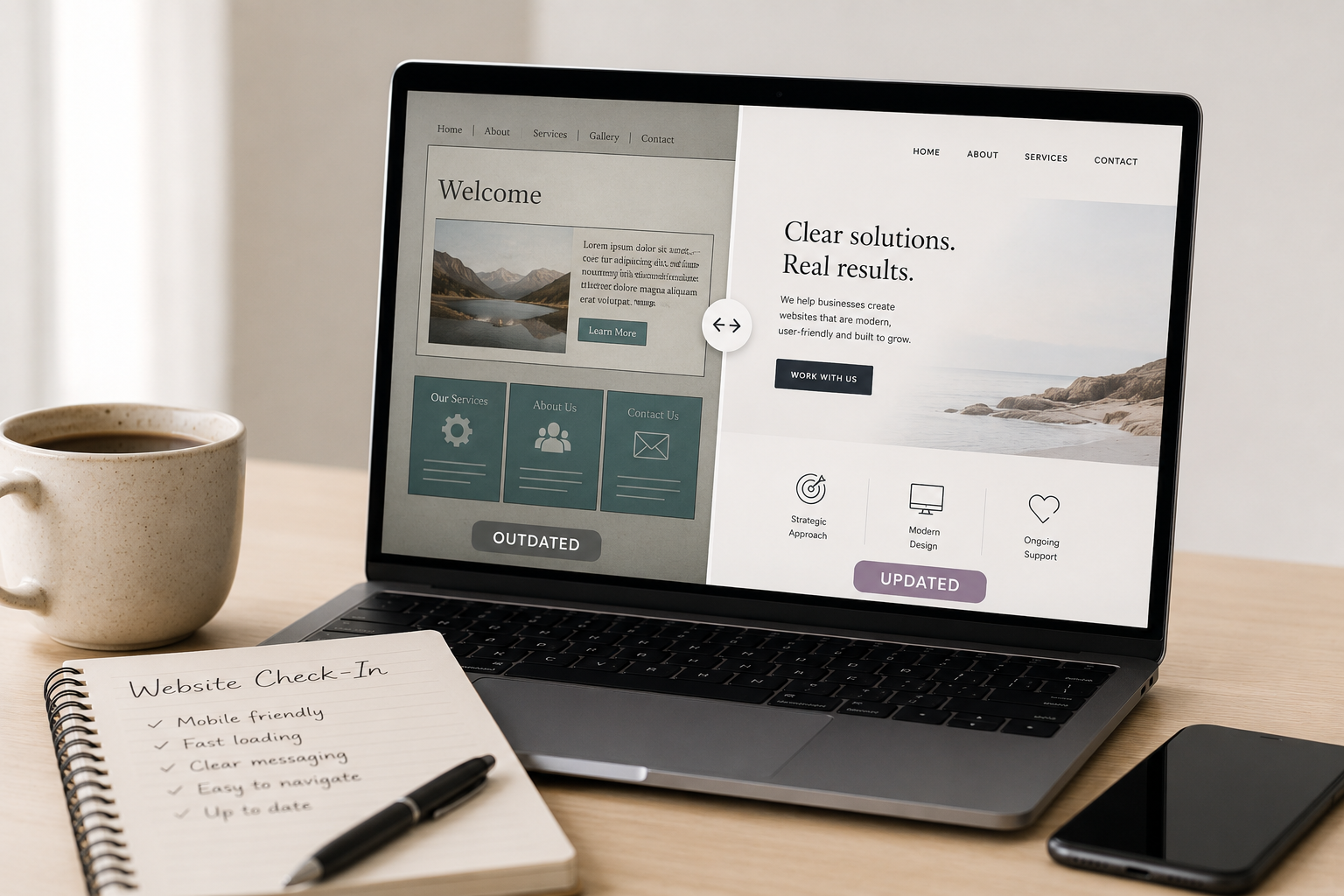
Your website might still technically work.
The pages load.
The contact form sends.
Your business name is there.
But sometimes a website quietly stops supporting your business the way it used to.
This often happens gradually.
A business grows, services evolve, branding changes, technology shifts — and the website simply doesn’t keep up.
Many small business owners don’t notice it right away because they’re busy running everything else.
Here are some common signs your website may be outdated — along with a few ways to improve it.
1. Your Website Doesn’t Work Well on Mobile
More than half of website visitors are now viewing websites on phones.
If your site:
- requires pinching and zooming
- has tiny text
- has buttons that are hard to tap
- breaks or stacks awkwardly on mobile
…it creates frustration very quickly.
Even if your website looked great years ago on desktop computers, mobile expectations have changed significantly.
A Few Ways to Improve This
- increase text size for mobile readability
- simplify layouts and spacing
- make buttons larger and easier to tap
- test pages on multiple screen sizes
- reduce clutter on smaller screens
A mobile-friendly website helps visitors feel comfortable staying on your site longer.
2. It Loads Slowly
Slow websites quietly affect trust.
Visitors may not consciously think:
“This website is outdated.”
But they often feel:
- frustrated
- impatient
- uncertain
- less confident in the business
Slow loading can happen for many reasons:
- oversized images
- outdated themes or plugins
- too many add-ons
- heavy page builders
- years of accumulated clutter
Website speed can also affect SEO and search rankings.
A Few Ways to Improve This
- resize and compress large images
- remove unused plugins
- simplify heavy layouts or animations
- update outdated software
- improve hosting if needed
Sometimes even a few small changes can noticeably improve performance.
3. It Feels Cluttered or Overwhelming
Older websites often try to fit too much onto every page.
Too many:
- colours
- fonts
- sidebars
- popups
- animations
- competing sections
…can make it difficult for visitors to focus.
Modern websites tend to feel cleaner, calmer, and easier to navigate.
Simple doesn’t mean boring.
It means visitors can quickly understand who you are and what you offer.
A Few Ways to Improve This
- reduce visual clutter
- simplify page layouts
- use fewer fonts and colours
- create more spacing between sections
- focus each page on one clear purpose
A cleaner website often feels more professional and trustworthy.
4. Your Messaging No Longer Matches Your Business
Many businesses evolve over time:
- services change
- pricing changes
- audiences shift
- branding matures
But the website still reflects an older version of the business.
Sometimes people land on their own website and immediately think:
“This no longer sounds like me.”
That feeling matters.
A Few Ways to Improve This
- rewrite outdated service descriptions
- update photos and testimonials
- simplify homepage messaging
- clarify who you work with
- make your calls-to-action more direct
Often, clearer messaging can make a website feel more modern immediately.
5. You’re Afraid to Update Anything
If making a small website change feels stressful, your website setup may no longer be supporting you well.
Common signs include:
- fear of breaking the layout
- outdated builders or themes
- confusing backend systems
- unsupported plugins
- pages behaving unpredictably
A website should feel manageable — not fragile.
A Few Ways to Improve This
- remove outdated tools or plugins
- simplify your website setup
- update unsupported software
- create regular backups
- document how your website is organized
Sometimes a cleanup behind the scenes can make managing a website much easier.
6. Visitors Don’t Know What to Do Next
A website should gently guide visitors.
If people land on your site and can’t quickly figure out:
- what you offer
- who it’s for
- how to contact you
- what step to take next
…they often leave.
This doesn’t necessarily mean your work is unclear.
It often means the website structure needs refining.
A Few Ways to Improve This
- simplify navigation menus
- add clearer buttons and calls-to-action
- make contact information easier to find
- reduce unnecessary text
- guide visitors toward one next step per page
Clear direction helps visitors feel more confident reaching out.
7. It Hasn’t Been Maintained in Years
Websites require ongoing care.
Without maintenance, problems slowly build:
- outdated plugins
- security vulnerabilities
- broken forms
- missing backups
- compatibility issues
- SEO decline
Sometimes everything appears fine on the surface until something suddenly stops working.
A Few Ways to Improve This
- keep WordPress and plugins updated
- test forms regularly
- maintain website backups
- remove unused plugins or themes
- check for broken links and errors
Regular maintenance helps prevent larger and more expensive problems later.
8. You Avoid Sending People to Your Website
This is often the biggest sign of all.
Many business owners quietly stop sharing their website because:
- it no longer reflects their work
- it feels outdated or embarrassing
- it feels difficult to navigate
- it no longer represents where the business is now
If you hesitate before giving someone your website link, it may be time for a refresh.
A Few Ways to Improve This
- start with small improvements instead of rebuilding everything
- refresh key pages first
- update your homepage messaging
- simplify the overall design
- focus on clarity over perfection
Your website doesn’t need to be flashy.
It simply needs to feel aligned with your business today.
An Outdated Website Doesn’t Mean Your Business Is Failing
Often, it means the opposite.
It usually means:
- your business has grown
- your skills have evolved
- your direction has become clearer
…and your website simply hasn’t caught up yet.
The good news is that not every website problem requires starting over.
Sometimes a website needs a redesign.
Sometimes it simply needs thoughtful updates, cleanup, and clearer structure.
Need Help Figuring Out What Your Website Actually Needs?
It can be difficult to know:
- what should be updated
- what’s affecting performance
- what’s no longer helping your business
- or where to even begin
That’s where I can help.
Through a Website Check-In or Website Updates & Fixes support, I can help you:
- identify what’s working
- pinpoint what may be outdated
- improve speed, clarity, and usability
- and recommend practical next steps based on your goals and budget
Sometimes a few strategic improvements can make a website feel significantly clearer, faster, and easier to manage — without needing a full rebuild.