Many small business owners start with a DIY website.
And honestly, that makes sense.
When you’re starting or growing a business, budgets are often limited. Website builders promise simplicity, and doing it yourself can feel like the most practical option.
DIY websites can absolutely work — especially in the beginning.
But over time, certain shortcuts, design choices, or platform limitations can quietly start affecting how your business is perceived online.
The good news is that most DIY website problems are fixable.
Here are some of the most common DIY website mistakes I see — and a few ways to improve them.
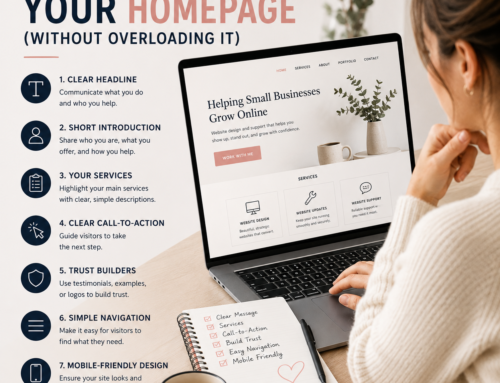
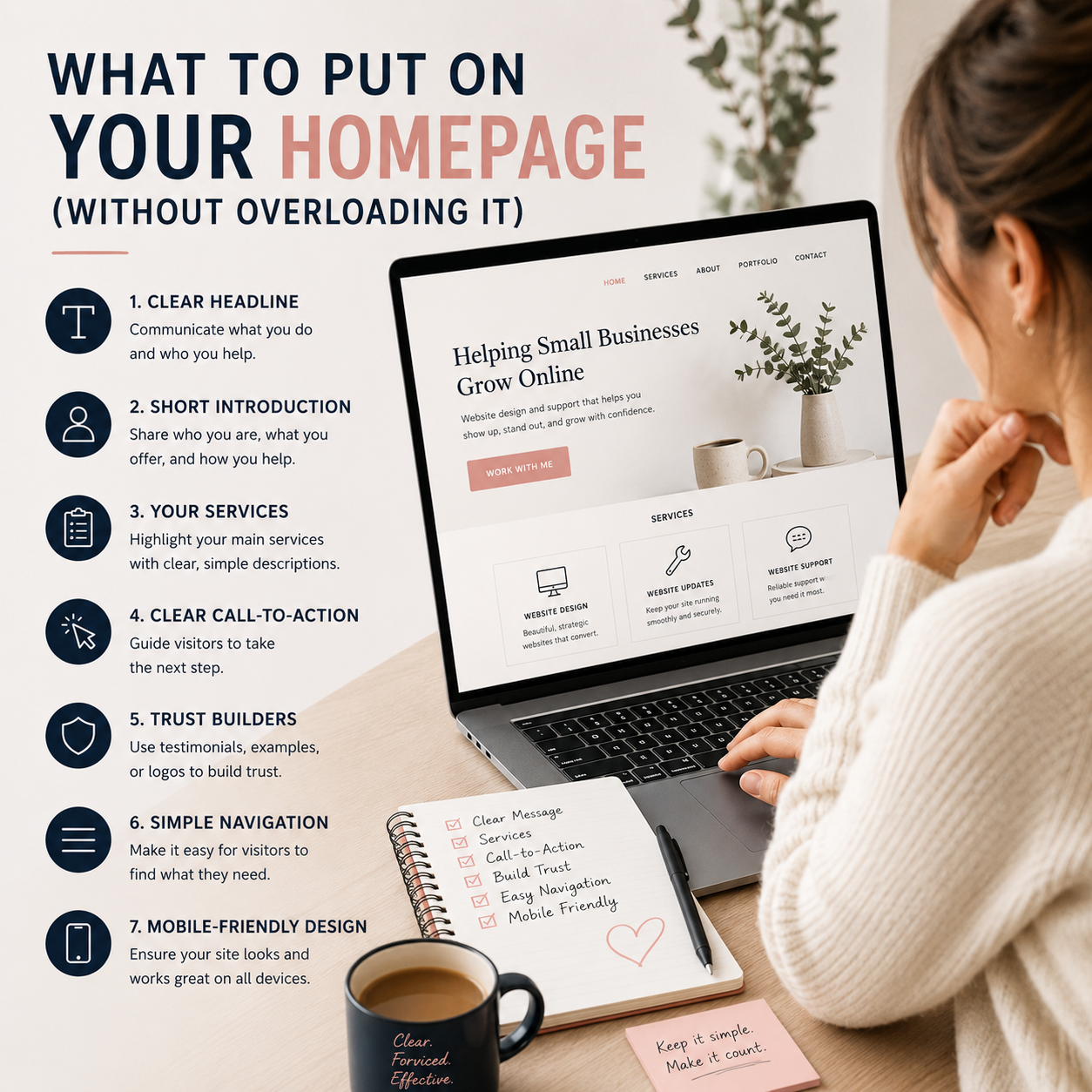
1. Trying to Fit Too Much on One Page
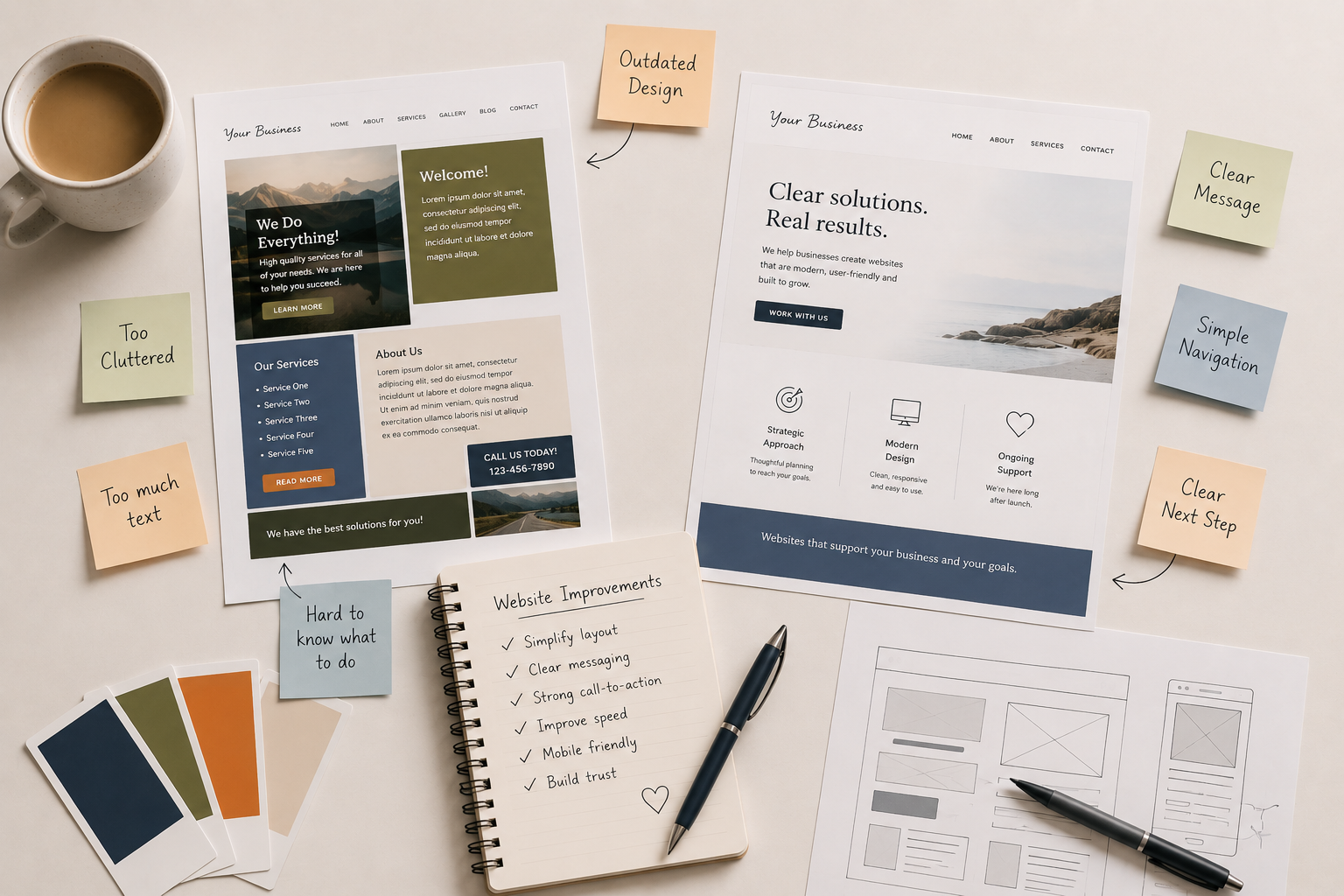
One of the most common DIY website mistakes is trying to say everything at once.
This often looks like:
- long walls of text
- too many services listed together
- crowded homepages
- too many competing sections
- multiple goals on the same page
When visitors feel overwhelmed, they usually stop reading.
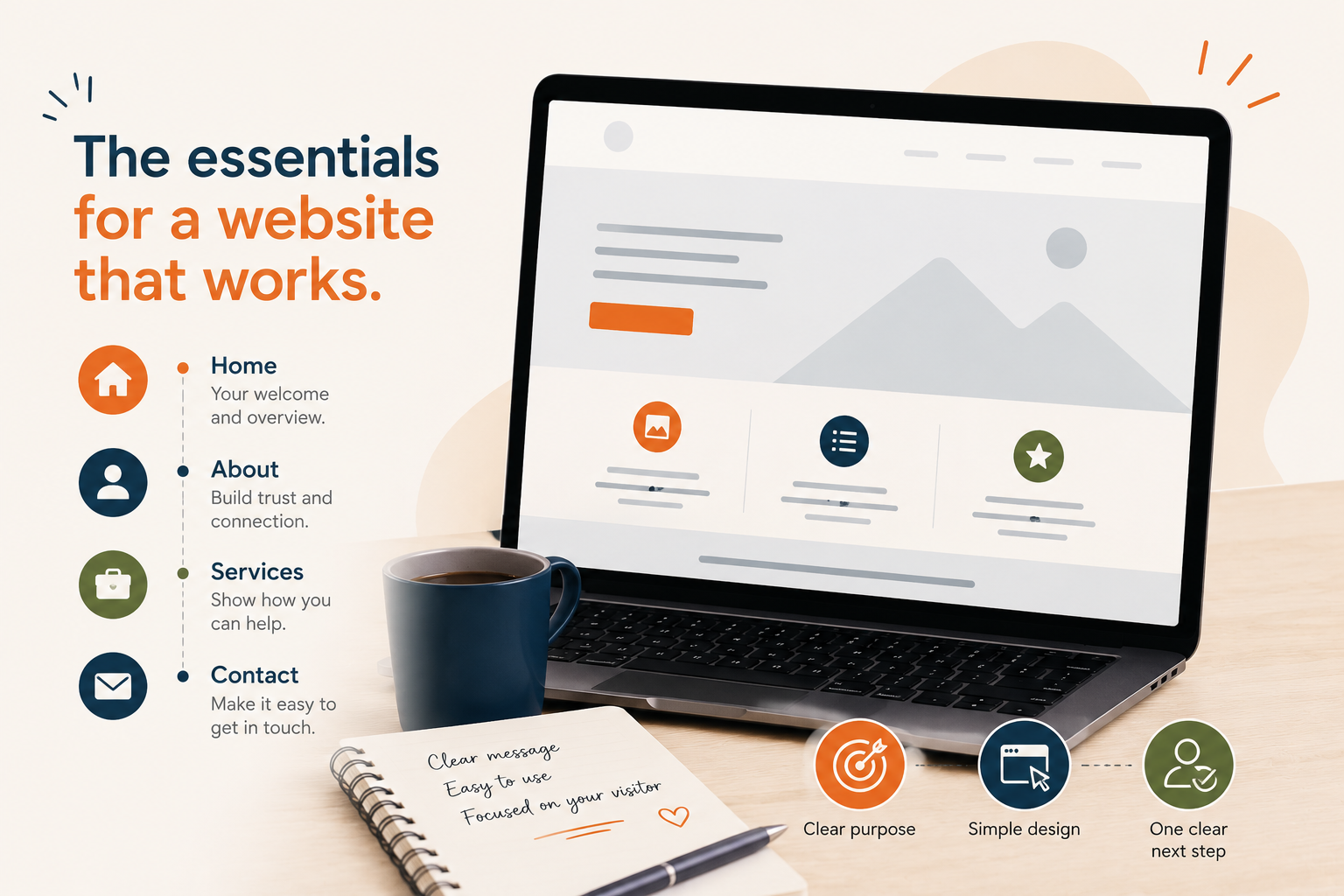
A website works best when visitors can quickly understand:
- who you are
- what you offer
- and what to do next
A Few Ways to Improve This
- simplify your homepage
- break content into separate pages
- shorten large text sections
- focus each page on one main purpose
- create clearer calls-to-action
Clarity almost always performs better than trying to include everything.
2. Prioritizing Design Over Usability
Many DIY websites focus heavily on making the site look impressive.
But too many:
- animations
- moving sections
- fancy effects
- layered graphics
- trendy layouts
…can actually make a website harder to use.
A website should feel easy and comfortable to navigate.
A Few Ways to Improve This
- simplify layouts
- reduce visual clutter
- use consistent fonts and colours
- prioritize readability
- focus on user experience over trends
Simple, clear websites often feel more trustworthy and professional.
3. Ignoring Mobile Design
A website might look perfectly fine on a desktop computer but feel frustrating on a phone.
This is a major issue because most visitors now browse on mobile devices.
Common problems include:
- tiny text
- overlapping sections
- buttons that are difficult to tap
- awkward spacing
- layouts breaking on smaller screens
A Few Ways to Improve This
- test your site on multiple devices
- increase text size for mobile
- simplify page layouts
- reduce oversized sections
- improve spacing between elements
A mobile-friendly site creates a much smoother experience for visitors.
4. Using Too Many Plugins or Builders
DIY websites often grow piece by piece over time.
A plugin for this.
A builder for that.
Another add-on to fix another issue.
Eventually the website becomes bloated and difficult to maintain.
This can lead to:
- slow loading
- plugin conflicts
- layout issues
- security vulnerabilities
- difficult updates
A Few Ways to Improve This
- remove unused plugins
- avoid overlapping tools
- simplify your website setup
- use lightweight solutions when possible
- keep plugins updated regularly
Sometimes simplifying a website behind the scenes can improve performance dramatically.
5. Writing for Yourself Instead of Your Visitors
Many websites accidentally assume visitors already understand the business.
This often leads to:
- industry jargon
- unclear service descriptions
- vague messaging
- overly detailed explanations
- missing context
Visitors should immediately understand:
- what you do
- who it’s for
- and how you can help
A Few Ways to Improve This
- simplify service descriptions
- use clearer headings
- write in a conversational tone
- focus on visitor questions and concerns
- make next steps obvious
Clear messaging builds trust quickly.
6. Neglecting Website Maintenance
A website isn’t something you build once and ignore forever.
Without maintenance, websites slowly develop problems over time.
This can include:
- outdated plugins
- broken forms
- security issues
- missing backups
- compatibility problems
- declining performance
Sometimes everything appears fine until something suddenly breaks.
A Few Ways to Improve This
- update WordPress regularly
- maintain backups
- remove outdated plugins
- test contact forms periodically
- monitor website speed and performance
Regular maintenance helps prevent larger issues later.
7. Using Poor Quality or Oversized Images
Images have a huge impact on how a website feels.
Low-quality, inconsistent, or oversized images can make a website feel less polished while also slowing it down.
A Few Ways to Improve This
- resize large image files
- use consistent image styles
- optimize images for web use
- avoid blurry or stretched images
- keep visuals clean and intentional
Good images support trust and professionalism.
8. Not Giving Visitors a Clear Next Step
Sometimes websites provide information but forget to guide visitors.
If someone lands on your website and isn’t sure:
- how to contact you
- how to book
- where to click
- or what to do next
…they may leave without taking action.
A Few Ways to Improve This
- add clearer buttons and calls-to-action
- simplify navigation
- make contact information easy to find
- guide visitors toward one next step per page
- reduce unnecessary distractions
A website should gently guide visitors through the experience.
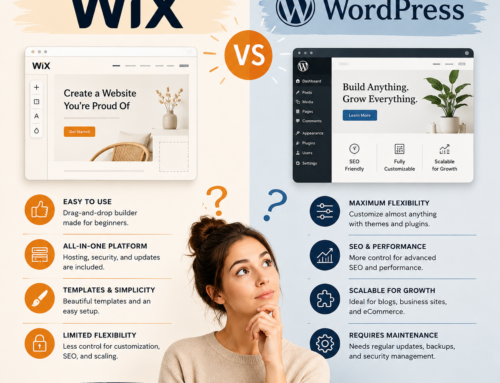
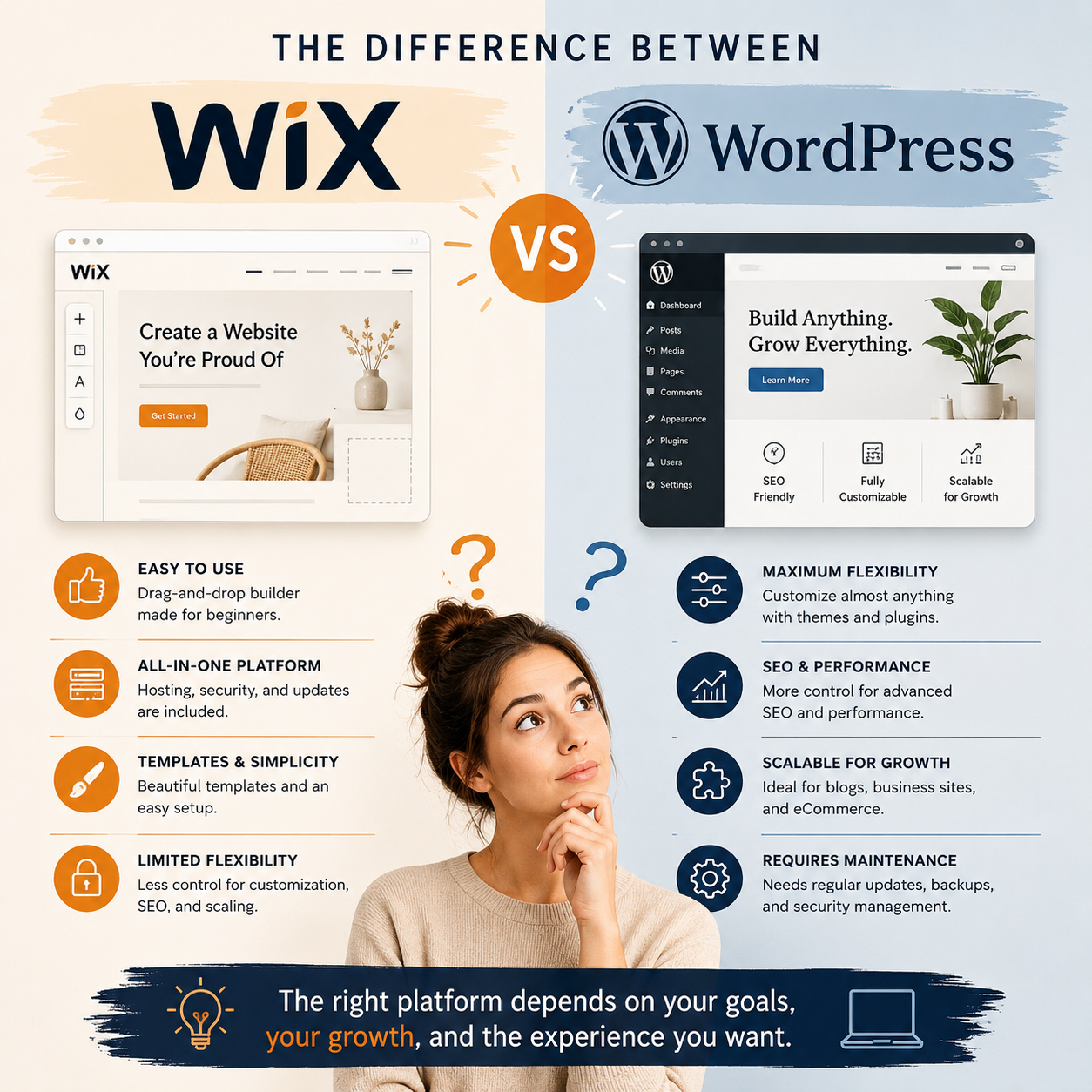
9. Choosing a Platform That No Longer Fits Your Business
What works for a brand-new business may not work years later.
As businesses grow, websites often need:
- better performance
- easier management
- stronger SEO
- more flexibility
- cleaner organization
Sometimes a DIY platform or overly complex builder simply stops being the right fit.
A Few Ways to Improve This
- simplify your current setup
- evaluate whether your platform still meets your needs
- reduce unnecessary complexity
- improve website structure
- consider professional support when growth starts feeling limited
Not every website needs a full rebuild.
Sometimes it simply needs a smarter structure and a cleaner foundation.
DIY Website Mistakes Are Extremely Common
Most DIY website issues happen gradually.
They’re usually the result of trying to manage everything yourself while also running a business.
That doesn’t mean you’ve failed.
It simply means your website may have reached the point where it needs more support, refinement, or strategy behind it.
Need Help Improving Your Website?
Sometimes it’s hard to know:
- what’s actually hurting your website
- what’s worth fixing
- or what improvements would make the biggest difference
That’s where I can help.
Through a Website Check-In or Website Updates & Fixes support, I can help you:
- identify problem areas
- simplify your website setup
- improve usability and clarity
- increase performance and mobile friendliness
- and recommend practical next steps that fit your business and budget
Sometimes a few thoughtful improvements can make a website feel significantly clearer, faster, and easier to manage — without starting over completely.